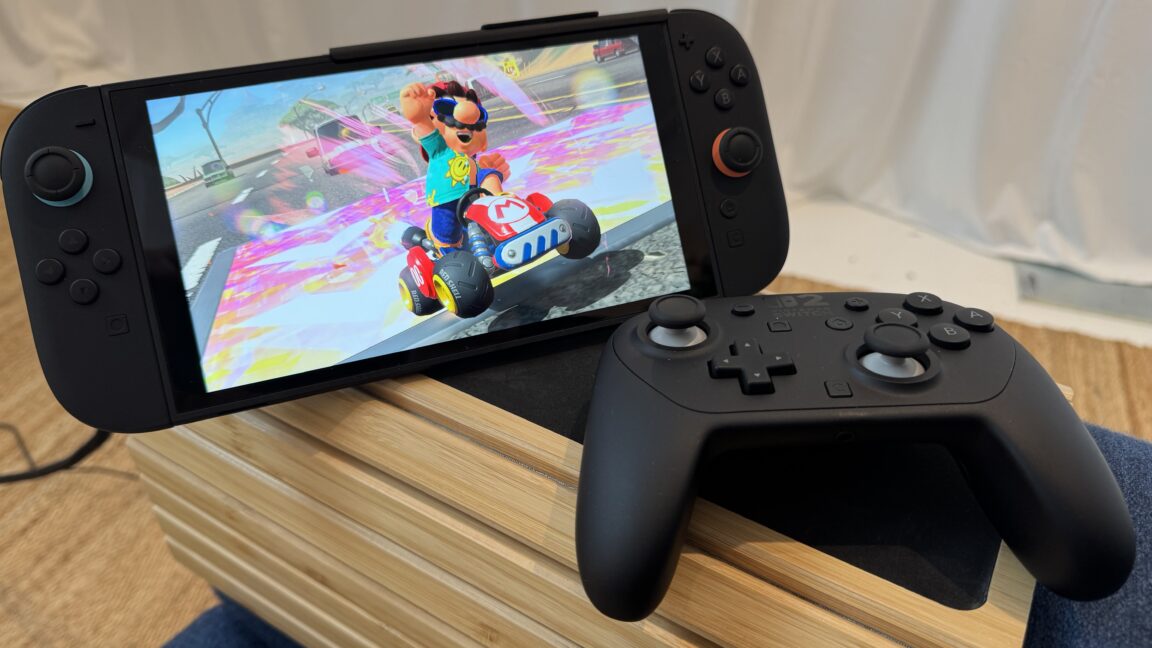
You can use mouse mode to navigate system menus
I stumbled on this feature when I was holding the Joy-Cons normally and one of my fingers accidentally passed over the mouse sensor, activating a mouse pointer on the system menu screen. When I put the controller down on its edge, I found that the pointer could scroll and click through those menus, often much more quickly than flicking a joystick.
Mouse mode also lets you zoom in on specific areas of the screen with a quick double-click, which should be useful for both vision-impaired players and those playing on tiny and/or far-off screens.
You can adjust the mouse mode sensitivity
The system menu lets you adjust the mouse sensor’s sensitivity between “low,” “medium,” and “high.” While that’s a lot less precise than the fully adjustable DPI settings you might be used to with a computer mouse, it’s still a welcome option.
In some quick testing, I found the high-sensitivity mode to be especially useful when using the mouse on a small surface, such as the top of my thigh. At this setting, the pointer could move from one end of the screen to the other with the slightest wrist adjustment. Low sensitivity mode, on the other hand, proved useful in more precise situations, such as in a Welcome Tour mini-game where I had to move a ball quickly and precisely through a large, electrified maze.
You can play sounds to find lost controllers
Find lost controllers easily with this menu option.
Lose a Joy-Con somewhere in the depths of your couch? Not to worry—a new menu option on the Switch 2 lets you play a distinctive sound through that Joy-Con’s improved HD Rumble 2 motor to help you find its precise location. While we confirmed that this feature also works with the new Pro Controller 2, we were unable to determine whether it can be used for original Switch controllers that are synced with a Switch 2.


