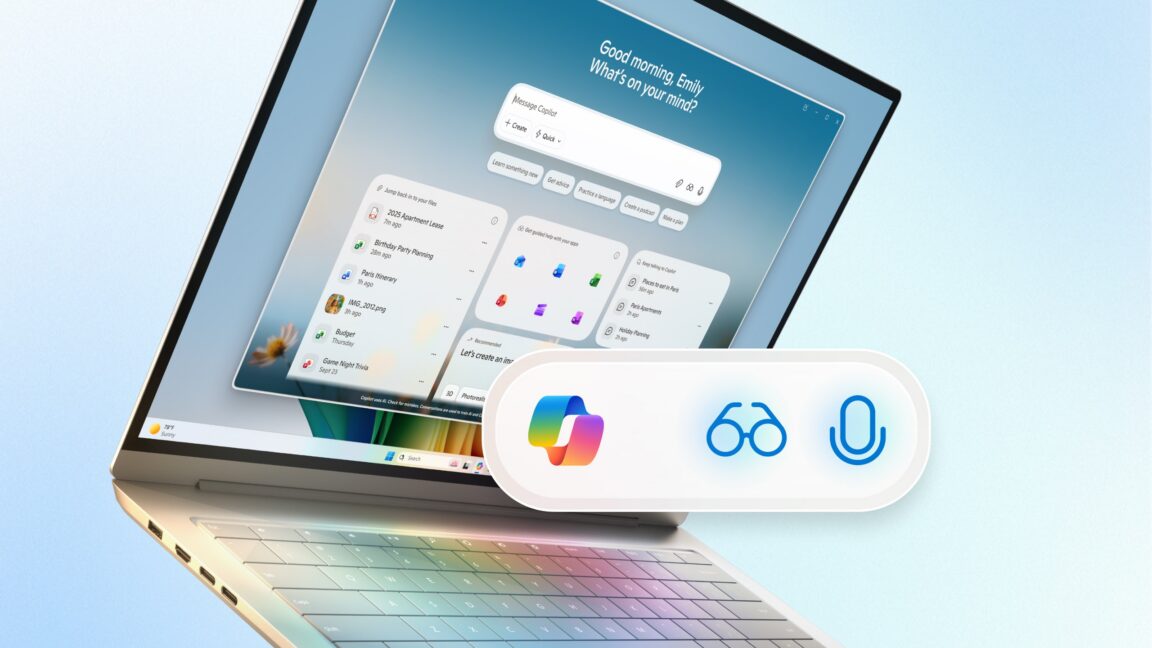
Screenshots of a Windows 11 testing build showed Copilot taking over the area of the taskbar that is currently reserved for the Search field.
Credit:
Microsoft
Finally, Microsoft is taking another stab at allowing Copilot to change the settings on your PC, something that earlier versions were able to do but were removed in a subsequent iteration. Copilot will attempt to respond to plain-language questions about your PC settings with a link to the appropriate part of Windows’ large, labyrinthine Settings app.
These new features dovetail with others Microsoft has been testing for a few weeks or months now. Copilot Connectors, rolled out to Windows Insiders earlier this month, can give Copilot access to email and file-sharing services like Gmail and Dropbox. New document creation features allow Copilot to export the contents of a Copilot chat into a Word or PDF document, Excel spreadsheet, or PowerPoint deck for more refinement and editing. And AI actions in the File Explorer appear in Windows’ right-click menu and allow for the direct manipulation of files, including batch-editing images and summarizing documents. Together with the Copilot Vision features that enable Copilot to see the full contents of Office documents rather than just the on-screen portions, all of these features inject AI into more basic everyday tasks, rather than cordoning them off in individual apps.
Per usual, we don’t know exactly when any of these new features will roll out to the general public, and some may never be available outside of the Windows Insider program. None of them are currently baked into the Windows 11 25H2 update, at least not the version that the company is currently distributing through its Release Preview channel.
Learning the lessons of Recall
Microsoft at least seems to have learned lessons from the botched rollout of Windows Recall last year.
If you didn’t follow along: Microsoft’s initial plan had been to roll out Recall with the first wave of Copilot+ PCs, but without sending it through the Windows Insider Preview program first. This program normally gives power users, developers, security researchers, and others the opportunity to kick the tires on upcoming Windows features before they’re launched, giving Microsoft feedback on bugs, security holes, or other flaws before rolling them out to all Windows PCs.


