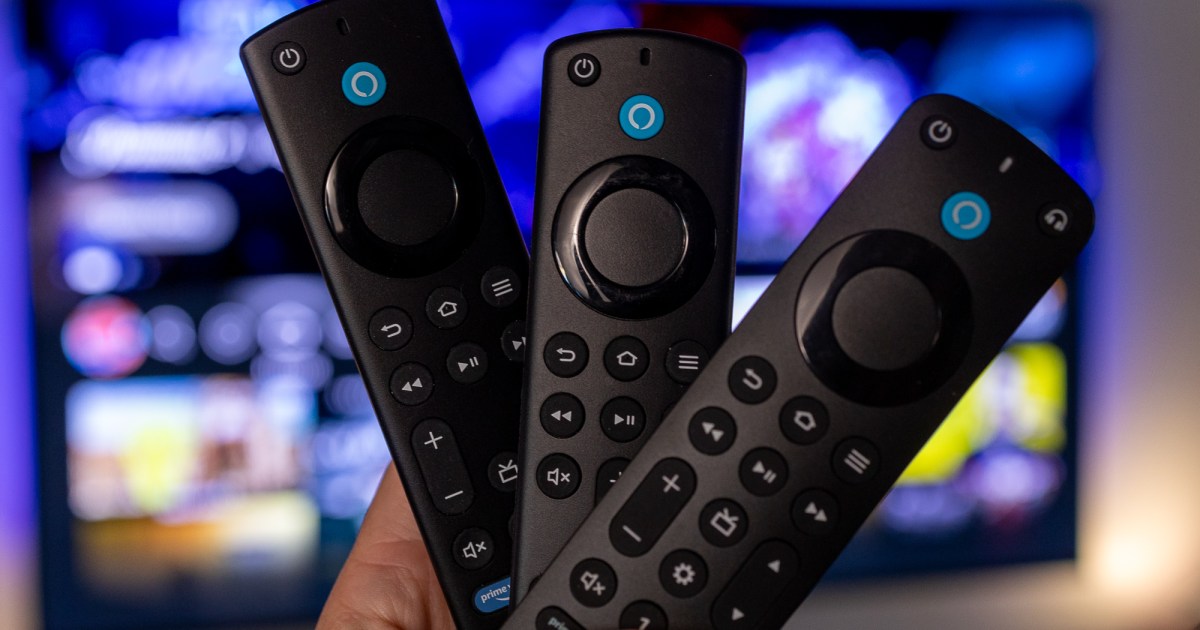
Whether you own an Amazon Fire TV Stick, Fire TV Cube, or a Fire TV-powered smart TV (perhaps one made by Amazon!), you’ll know just how robust the Fire TV platform is. Packed with features, customizations, and an immense library of movie and TV show content, one of your Fire Stick’s more low-key capabilities is called private listening.
Roku was one of the first streaming device companies to introduce this convenient Bluetooth feature, and now you can use it on Fire TV hardware, too. Here’s how to link a pair of Bluetooth headphones or earbuds to your Fire TV device in just a few simple steps.
Phil Nickinson / Tech Reader
How to connect wireless headphones to a Fire TV device
Step 1: First, you’ll want to put your headphones into pairing mode.
Step 2: Grab your Fire Stick remote and go to Settings > Controllers & Bluetooth Devices.
Step 3: Choose Other Bluetooth Devices > Add Bluetooth Devices.
Step 4: Your headphones should appear in the device queue. Navigate over to them with the remote and hit Select. After a few moments, your wireless headphones or earbuds should connect to your Fire TV device.
Step 5: You can also unpair your headphones from your Fire TV device by following all the same steps. Once you select your headphones, you’ll be able to press the Menu button on your remote to complete the unpairing.
Note: Whether you own a Fire TV Stick, Fire TV Cube, or Fire TV-powered smart TV, the pairing/unpairing process is exactly the same.

Phil Nickinson / Tech Reader
Connect headphones to a Fire TV device using an Alexa remote
If you happen to own a Fire TV device that came with the Alexa Voice Remote Pro or standard Alexa Voice Remote, or you purchased one separately and paired it to your Fire TV device, you can use voice commands to expedite your headphone-pairing process.
Step 1: If you have a Voice Remote Pro, press the Alexa button and say “Pair Bluetooth headphones.” If you have the regular Voice Remote, press the headphone button.
You’ll be taken to the Add Device screen on your Fire TV.
Step 2: Now it’s time to put your headphones in pairing mode. Once your Fire TV detects them, highlight them and hit Select to pair.
Simon Cohen / Tech Reader
Can I use wired headphones with a Fire TV device?
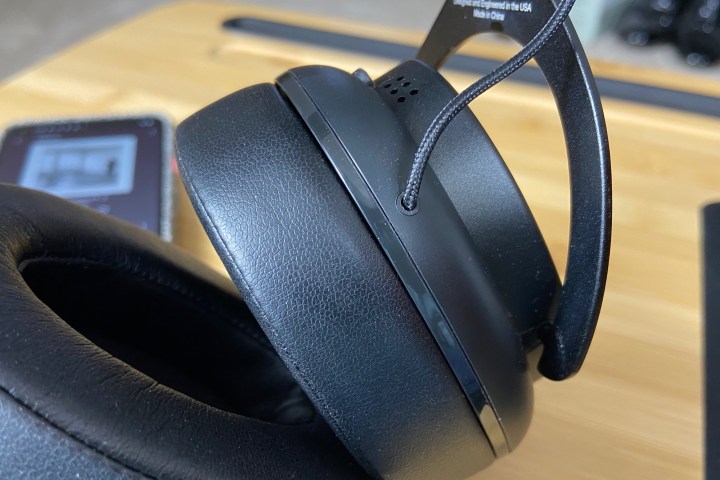
Amazon doesn’t make a version of the Fire TV remote with a built-in headphone jack. While this eliminates the capability of wiring a headset directly to your Fire TV device, there’s technically a workaround, but you’re going to need some other equipment, specifically, a TV, AV receiver, or soundbar with analog audio outputs.
If your wired headphones use a standard 3.5mm connection, you’ll need to invest in a 3.5mm to RCA audio adapter. Plug the RCA male ends into the left-right audio outputs on your TV, AV receiver, or soundbar, then plug your headphones into the 3.5mm end.
This connectivity method treats your TV, AV receiver, or soundbar as the main audio output device. As long as your Fire TV device is connected to one of the three components, you should be able to hear sound through your wired headset.
Editors’ Recommendations


