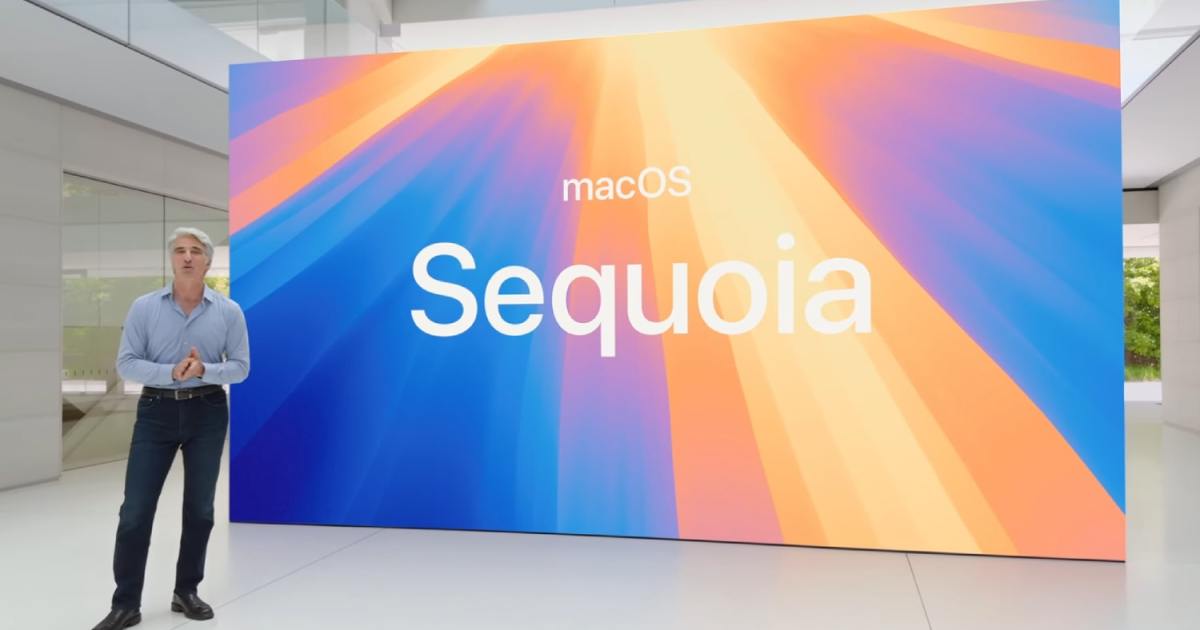
You can’t talk about macOS Sequoia without talking about Apple Intelligence. That’s a shame. Because between the delayed rollout and more limited scope, it’s not the main reason to go out and install macOS Sequoia today, despite the fact that some of the new Apple Intelligence features just became available to check out in the public beta.
Don’t get me wrong, an improved version of Siri, better search, and some AI-powered writing tools are all neat, but there’s actually a lot more substantial features in Sequoia than just those.
The flagship features like iPhone Mirroring and Window Tiling are arguably the biggest changes, things that really make the Mac feel modern. MacOS has needed Windows Tiling, in particular, for ages now.
But you probably already know about those, and they’re really only scratching the surface. I always appreciate what the folks at MacRumors do to collect all the minute changes to the operating system. This time, they’ve collected 50 updates — some big, some small — but all worth checking out.
For example, did you know macOS Sequoia includes a graphics update to the built-in Chess game that’s been around for over 20 years? Or ever heard of something called “Hover Typing?” It’s for those with lower vision, making any text fields appear much larger across your screen.
One of my favorite updates is Distraction Control in Safari. It’s not quite an ad blocker as it doesn’t permanently hide ads, but it’s a pretty handy way to make the web a less distracting place.
The MacRumors piece also mentions some small details that make some of the big features even more useful. Take Password, for example, the new password manager built right into macOS. There’s a setting that allows you to show passwords in the menu bar, which puts a key icon up there for quick access. Super convenient. There’s also the ability to remove the margin in between tiled windows, which gives you a bit more real estate on smaller MacBook screens.
The feature I’m most interested in trying is Vocal Shortcuts, which lets you turn anything you say into an action. This could be a huge accessibility feature, allowing you to do things like open apps or trigger Siri requests all without using your hands.
None of that is quite as flashy as what Apple Intelligence aims to be. But for a year when every company is obsessively focused on AI (including Apple), it’s nice to see so many quality-of-life updates to macOS, an operating system that doesn’t always get much attention.


