[ad_1]
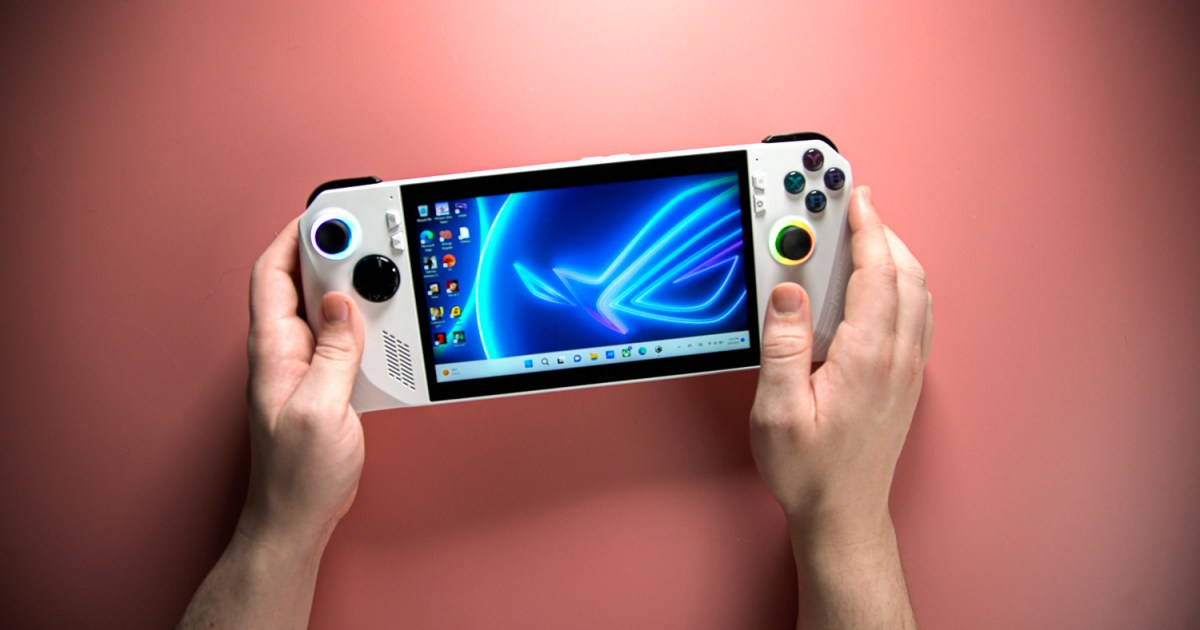
We’re finally starting to make some progress on the handheld experience of Windows 11. Although Windows 11 handhelds like the ROG Ally X are some of the best handheld gaming PCs you can buy, that’s despite their use of Windows, not because of it. Now, the latest Windows 11 Insider preview (build 22631.4387) adds a feature that should make navigating the OS much easier on a handheld — a keyboard built for gamepads.
Windows has included an onscreen keyboard for years, and updates over the last couple of years have even made it usable with touch inputs. On a handheld, however, there are two problems with the keyboard. You can’t invoke it naturally — you have to bind Windows + Ctrl + O to a hotkey — and you can’t use your controller to navigate it. With the new update, Microsoft is fixing that last point, at the very least.
Similar to an Xbox, you’ll be able to navigate the onscreen keyboard using your controller, and Microsoft even says it’s including “button accelerators,” allowing you to use buttons like X for Backspace and Y for Space. Normally, the onscreen keyboard features a staggered layout typical of a QWERTY keyboard, but the gamepad-focused version uses a vertical alignment so it’s easier to navigate — once again, similar to an Xbox.

Get your weekly teardown of the tech behind PC gaming
Microsoft has slowly been improving the handheld experience for Windows 11 with features like Compact Mode for the Xbox app. Still, the experience of using Windows 11 on your couch or a handheld is far from perfect. Tools like EmuDeck have attempted to override some of the default features in Windows to provide a more seamless, console-like experience, but it’s clear that Windows has a long way to go before it can rival SteamOS for controller-bound gamers.
The changes to the onscreen keyboard are a big step in the right direction, however. If nothing else, the changes make it so you don’t have to pull out a Bluetooth keyboard when you need to navigate through the OS proper, or tap dance with your fingers across a 7-inch screen.
We haven’t tried the updated keyboard yet, and you might not be able to right away, either. Like most Insider preview builds, Microsoft is rolling out the latest feature update gradually. If you want to be among the first to see new features in Windows 11, make sure to check out our guide on how to join the Windows Insider program.
The onscreen keyboard isn’t the only new feature in the update. As Microsoft promised, the latest build allows you to rebind the Copilot key to open any signed MSIX package, and the Start menu can now show your phone’s details through the Phone Link app.
[ad_2]
Source link


