Bambu Studio isn’t the most approachable application, but if you’ve made it this far, it shouldn’t be totally beyond your comprehension. For first-time setup, you’ll choose your model of printer (all Bambu models and a healthy selection of third-party printers are officially supported), leave the filament settings as they are, and sign in if you want to use Bambu’s cloud services. These sync printer settings and keep track of the models you save and download from MakerWorld, but a non-cloud LAN mode is available for the Bambu skeptics and privacy-conscious.
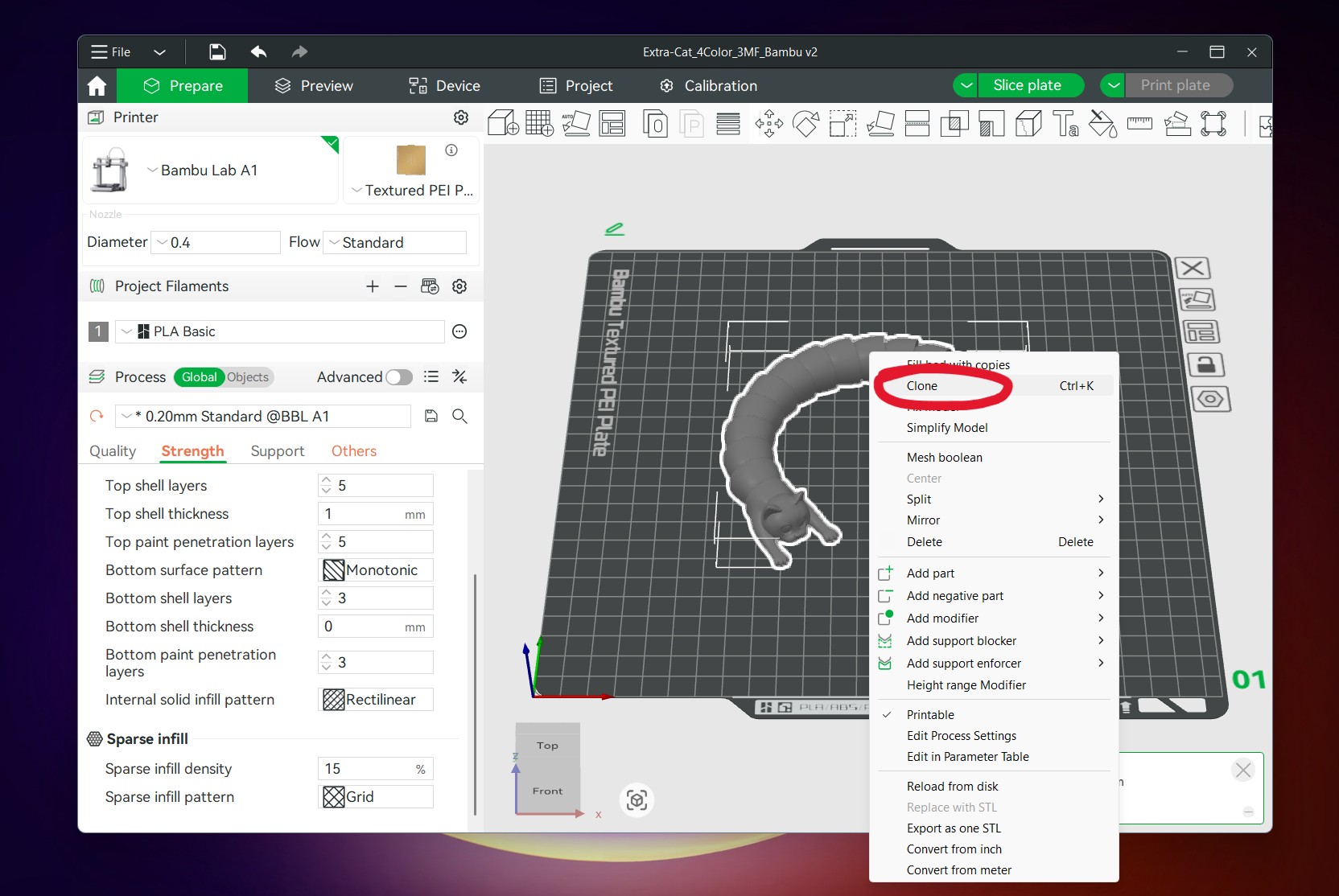
For any newbie, pretty much all you need to do is connect your printer, open a .3MF or .STL file you’ve downloaded from MakerWorld or elsewhere, select your filament from the drop-down menu, click “slice plate,” and then click “print.” Things like the default 0.4 mm nozzle size and Bambu’s included Textured PEI Build Plate are generally already factored in, though you may need to double-check these selections when you open a file for the first time.
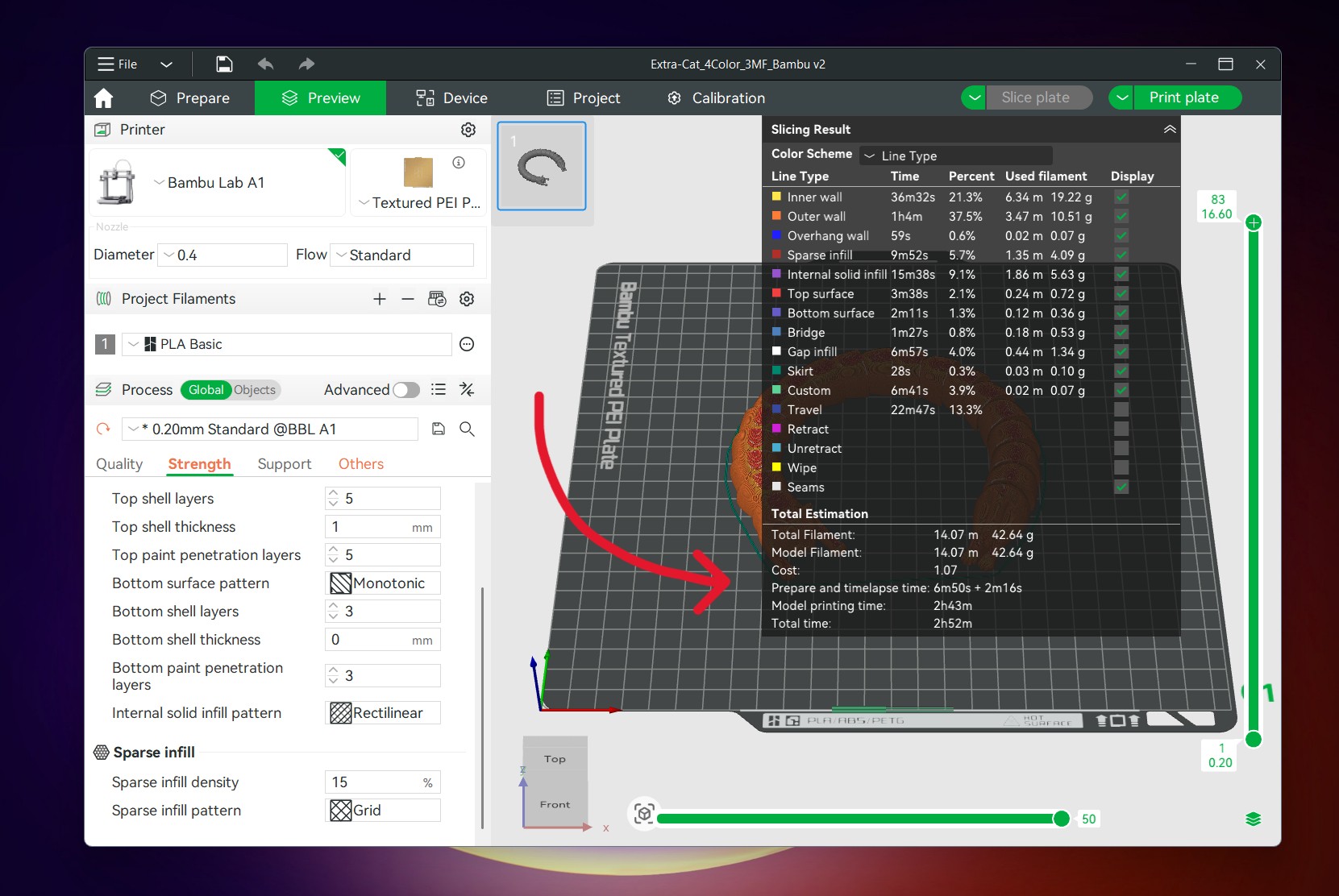
When you slice your build plate for the first time, the app will spit a pile of numbers back at you. There are two important ones for 3D printing neophytes to track. One is the “total filament” figure, which tells you how many grams of filament the printer will use to make your model (filament typically comes in 1 kg spools, and the printer generally won’t track usage for you, so if you want to avoid running out in the middle of the job, you may want to keep track of what you’re using). The second is the “total time” figure, which tells you how long the entire print will take from the first calibration steps to the end of the job.
Andrew Cunningham
Selecting your filament and/or temperature presets. If you have the Automatic Material System (AMS), this is also where you’ll manage multicolor printing.
Andrew Cunningham
Andrew Cunningham
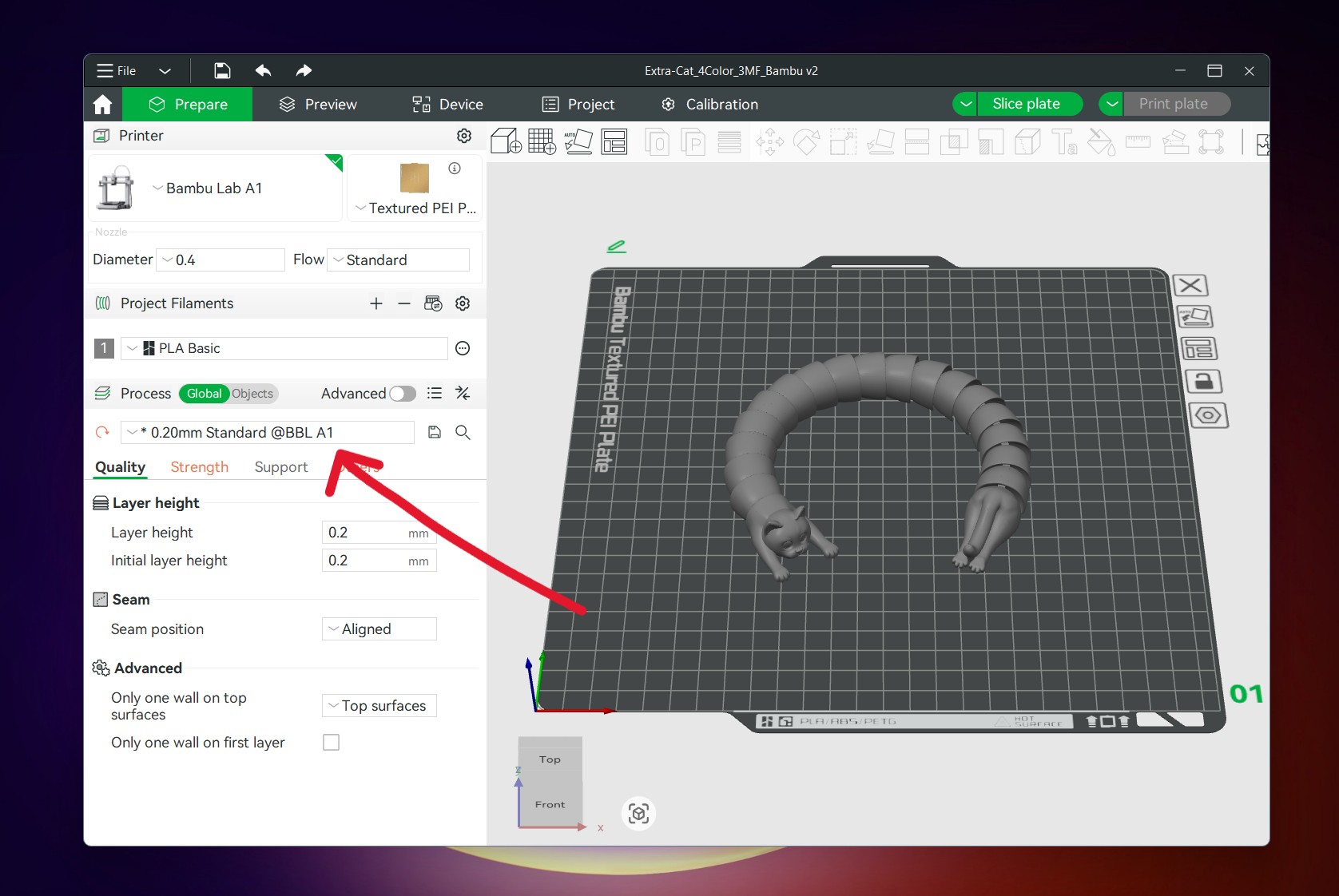
The main way to tweak print quality is to adjust the height of the layers that the A1 lays down.
Andrew Cunningham
Andrew Cunningham
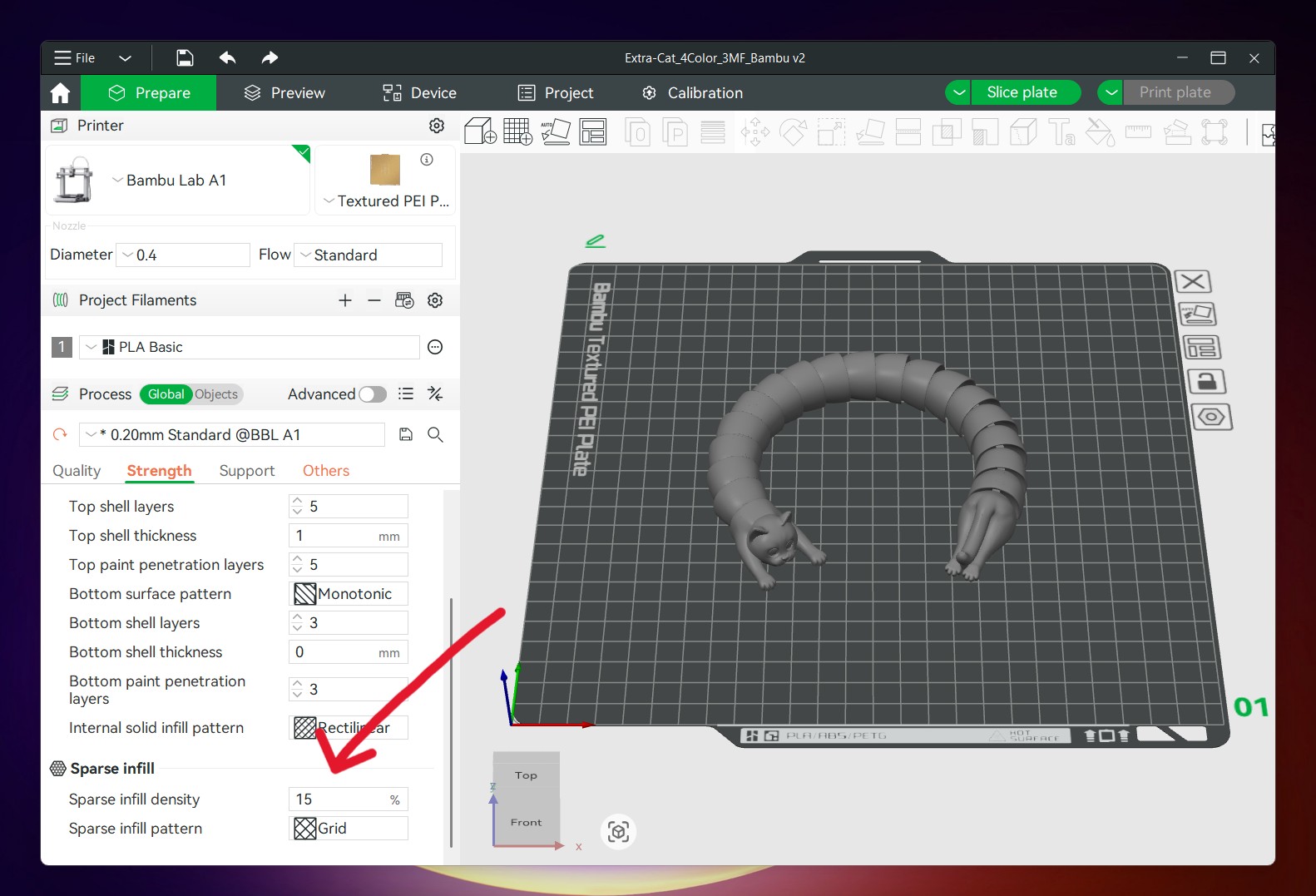
Adding some additional infill can add some strength to prints, though 15 percent usually gives a decent amount of strength without overusing filament.
Andrew Cunningham
The main way to tweak print quality is to adjust the height of the layers that the A1 lays down.
Andrew Cunningham
Adding some additional infill can add some strength to prints, though 15 percent usually gives a decent amount of strength without overusing filament.
Andrew Cunningham
Andrew Cunningham
Andrew Cunningham
Andrew Cunningham
When selecting filament, people who stick to Bambu’s first-party spools will have the easiest time, since optimal settings are already programmed into the app. But I’ve had almost zero trouble with the “generic” presets and the spools of generic Inland-branded filament I’ve bought from our local Micro Center, at least when sticking to PLA (polylactic acid, the most common and generally the easiest-to-print of the different kinds of filament you can buy). But we’ll dive deeper into plastics in part 2 of this series.


