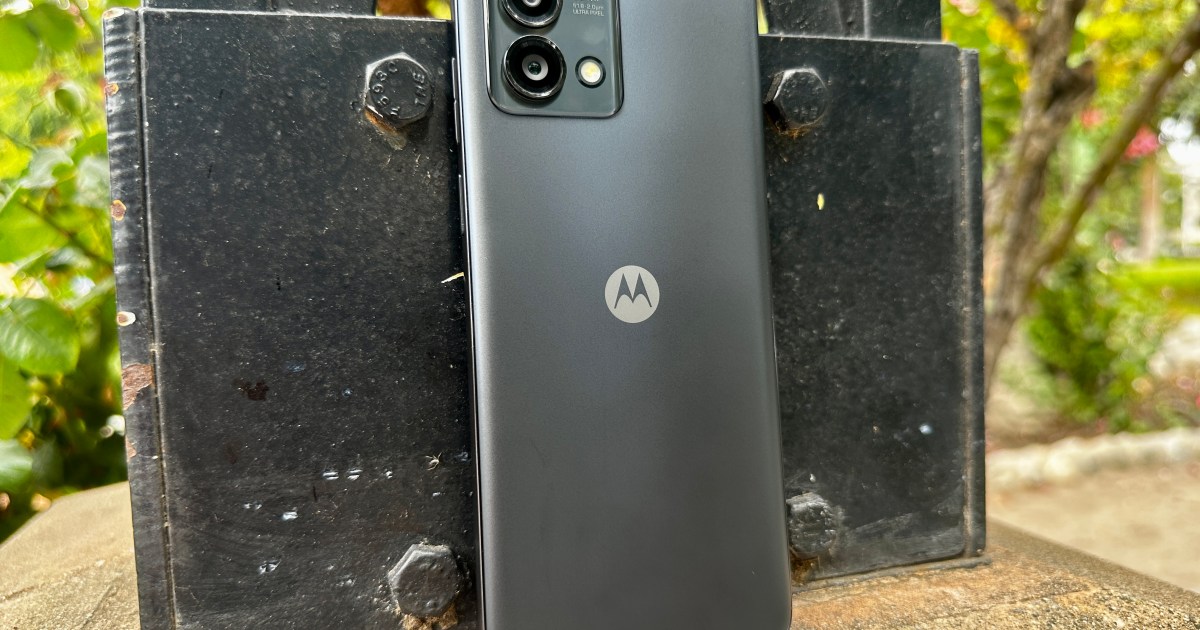
The Motorola Moto G Stylus is a line of midrange Android smartphones, each of which comes packing a stylus — as the name ,akes clear. The two latest models are the Moto G Stylus (2023) and the Moto G Stylus 5G (2023). Although these models are similar, they have some noticeable differences, including their support for near-field communication (NFC) technology. This article will examine which Moto G Stylus models come with NFC and which do not.
What is NFC?
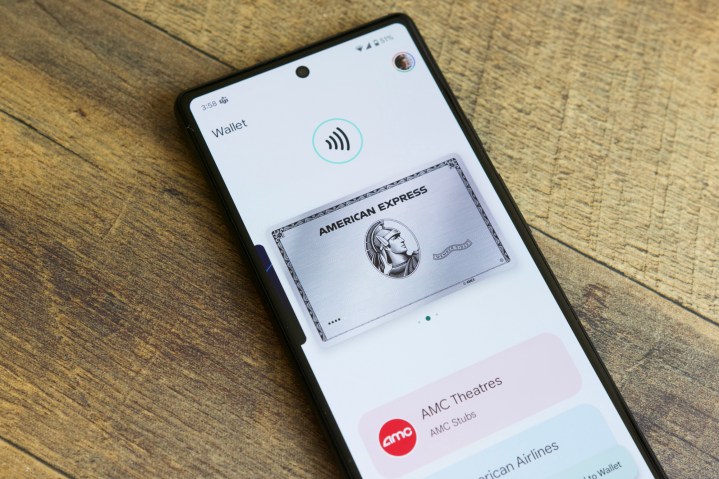
Near-field communication (NFC) is a technology that lets two gadgets communicate with each other when they are within a few centimeters of each other. It is useful for touch payments, e-tickets, data sharing, and effortlessly linking devices via Bluetooth and Wi-Fi.
You might have encountered NFC while swiping your phone to use Apple Pay or Google Wallet. NFC is also the magic behind cards that let you tap to pay. It makes it easy to swap information between devices, such as photos or files, by bringing them near each other.
With NFC, sharing info becomes snappy, hassle-free, and smooth. It jazzes up how we use our gadgets and streamlines tasks like payments or file sharing.
Moto G Stylus phones with NFC
Only two Moto G Stylus phones include NFC. These include the following:
- Moto G Stylus 5G (2022)
- Moto G Stylus 5G (2023)
That’s correct. Since the Moto G Stylus was introduced in 2020, only two models have shipped with NFC capabilities.
Moto G Stylus phones without NFC
Every other Moto G Stylus phone released to date does not support NFC. The list of Moto G Stylus phones without NFC is as follows:
- Moto G Stylus (2020)
- Moto G Stylus (2021)
- Moto G Stylus (2022)
- Moto G Stylus (2023)
- Moto G Stylus 5G (2021)
If you have one of the above Moto G Stylus phones, you cannot add NFC to them.
How to check which Moto G Stylus you have
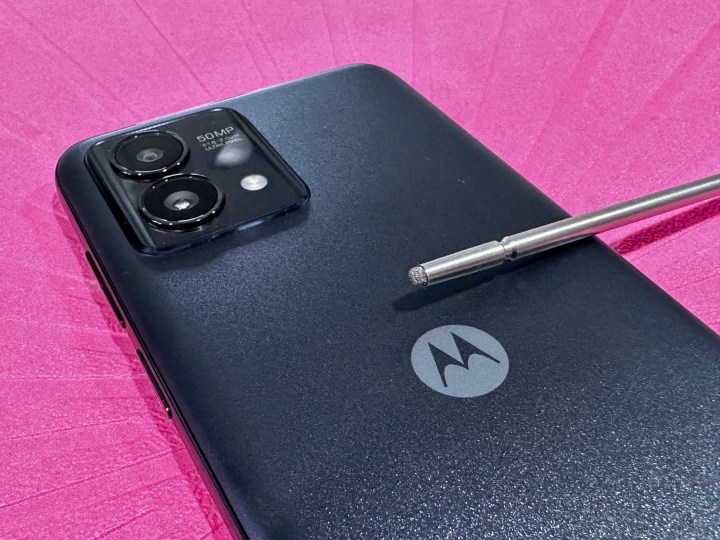
If you’re unsure which Moto G Stylus model you have, you can find out by checking the “Device name” or “Model number” in the Settings app under About phone.
On your Moto G Stylus, open the Settingsapp, scroll down to the bottom of the page, and select About phone. Here, you should see Device name at the top of the page — showing exactly which Moto G Stylus smartphone you have. If the model is one of the Moto G Stylus versions with NFC, you’re in luck!
If you are looking for a new smartphone, check out our list of the best phones of the year (so far).
Editors’ Recommendations


