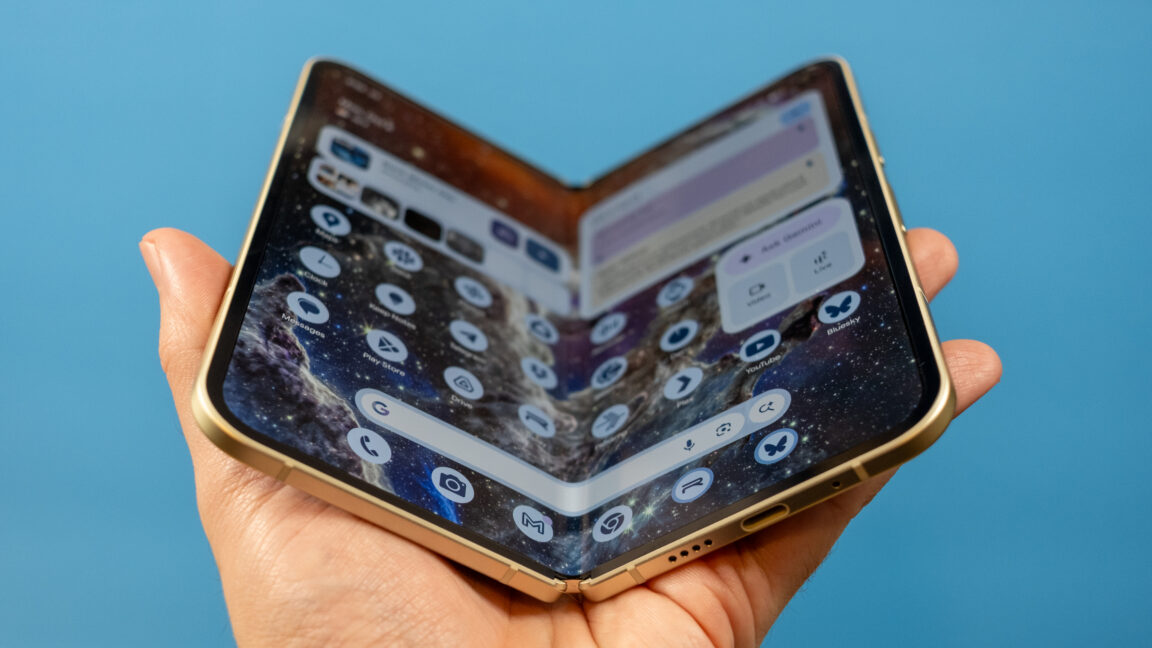
The Jade colorway looks great.
Credit:
Ryan Whitwam
While the flat Pixel 10 phones have dropped the physical SIM card slot, the Pixel 10 Pro Fold still has one. It has moved to the top this year, but it seems like only a matter of time before Google removes the slot in foldables, too. For the time being, you can move a physical SIM card to the Fold, transfer to eSIM, or use a combination of physical and electronic SIMs.
Google’s take on big Androids
Google’s version of Android is pretty refined these days. The Pixel 10 Pro Fold uses the same AI-heavy build of Android 16 as the flat Pixels. That means you can expect old favorites like Pixel Screenshots, Call Screen, and Magic Compose, along with new arrivals like Magic Cue and Pixel Journal. One thing you won’t see right now is the largely useless Daily Brief, which was pulled after its launch on the Pixel 10 so it could be improved.
Google’s expanded use of Material 3 Expressive theming is also a delight. The Pixel OS has a consistent, clean look you don’t often see on Android phones. Google bundles almost every app it makes on this phone, but you won’t see any sponsored apps, junk games, or other third-party software cluttering up the experience. In short, if you like the vibe of the Pixel OS on other Pixel 10 phones, you’ll like it on the Pixel 10 Pro Fold. We’ve noted a few minor UI glitches in the launch software, but there are no show-stopping bugs.
Credit:
Ryan Whitwam
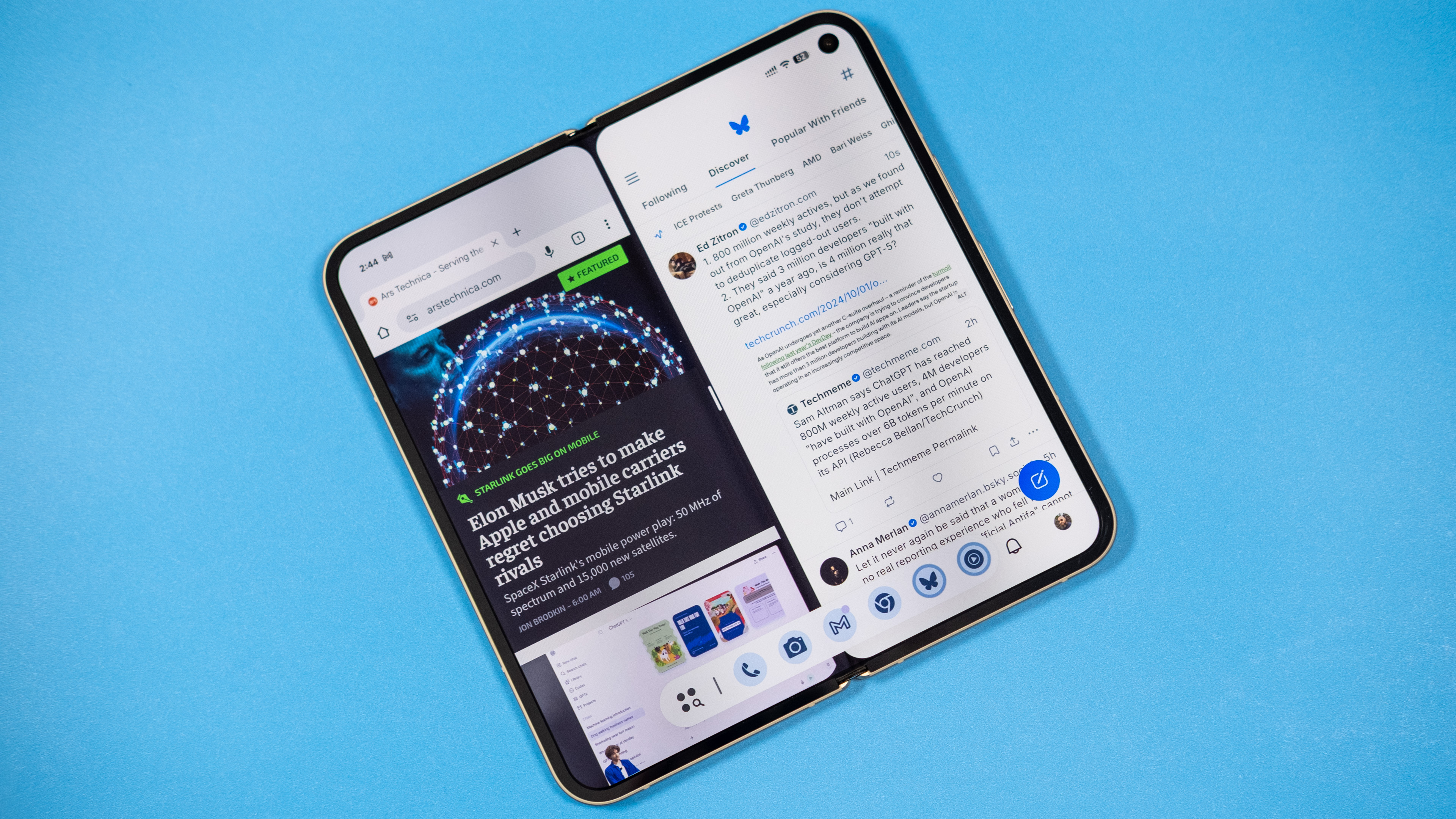
Multitasking on foldables is a snap.
Credit:
Ryan Whitwam
The software on this phone goes beyond the standard Pixel features to take advantage of the folding screen. There’s a floating taskbar that can make swapping apps and multitasking easier, and you can pin it on the screen for even more efficiency. The Pixel 10 Pro Fold also supports saving app pairs to launch both at once in split-screen.
Google’s multi-window system on the Fold isn’t as robust as what you get with Samsung, though. For example, split-screen apps open in portrait mode on the Pixel, and if you want them in landscape, you have to physically rotate the phone. On Samsung foldables, you can move app windows around and change the orientation however you like—there’s even support for floating app windows and up to three windowed apps. Google reserves floating windows for tablets, none of which it has released since the Pixel Tablet in 2023. It would be nice to see a bit more multitasking power to make the most of the Fold’s big internal display.


