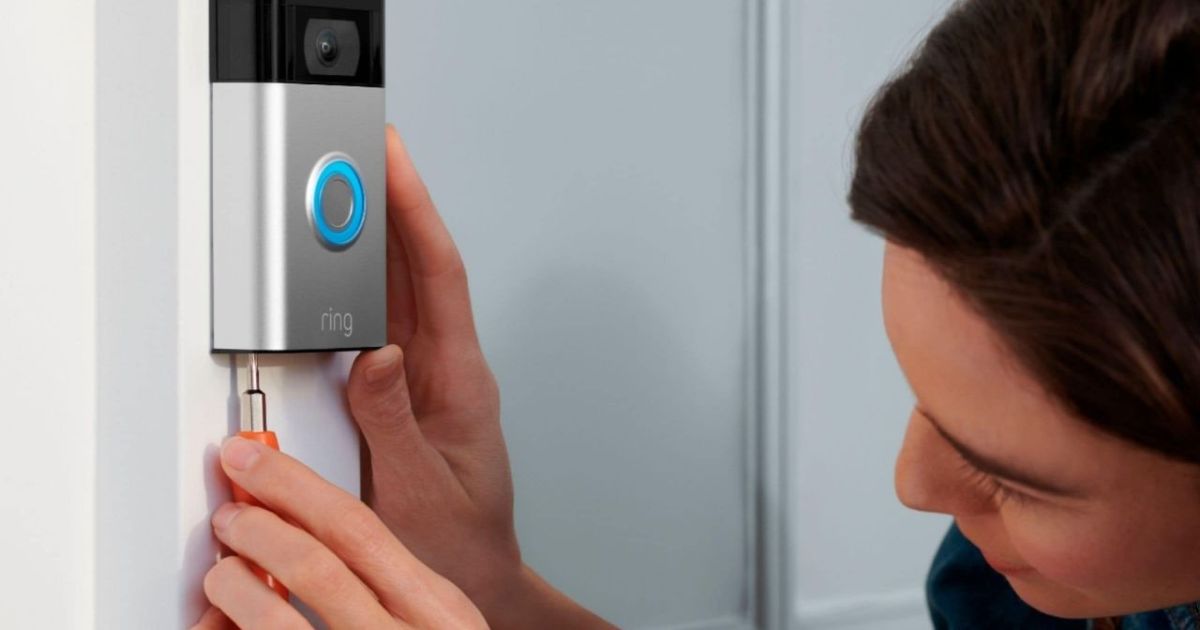
While Ring does make some of the best video doorbells, they aren’t immune to issues with their chime. This issue is, after all, at the top of the list when it comes to video doorbell problems. But, if your Ring won’t ring what should you do? We break down the procedure to get your Ring video doorbell back in action, with a step-by-step approach to troubleshooting this issue.
Thankfully, most fixes to this problem are simple, although the actions you’ll need to take will vary based on the root cause of the issue. Here’s a closer look at why your Ring video doorbell may not be chiming, along with ways to fix the problem.
Image used with permission by copyright holder
How to fix a Ring video doorbell that won’t chime
Start by determining if your home has a battery-powered or wired doorbell:
Battery-powered doorbells are not capable of chiming your internal chime. Instead, you’ll need to use the Ring Chime Pro or Ring Chime Kit to transmit the chime into your home. Alternatively, you can have a notification appear on your smartphone. If you’re working with a battery-powered doorbell that won’t chime your Chime Kit, check the charge on your video doorbell and try again.
Wired Ring video doorbells can sync with the chime in your home to let you know when your doorbell rings. However, if this isn’t working as intended, you’ll need to follow these troubleshooting steps.
Step 1: Remove the cover of the physical chime in your house and look for poor connections and loose wires at the chime — if found, simply tightening these will often fix the issue.
Step 2: Next, verify that your internet is active, and use the Ring app to make sure your Ring is connected is connected to the Wi-Fi network. If it is not, it will not work.
Step 3: If none of the above worked, you’ll want to double-check your installation. Specific installation instructions should be included with each Ring product. Walk through each step and verify they’ve all been performed correctly. Unfortunately, a single wrong step can cause your doorbell to have trouble syncing with your chime.
Step 4: Cold weather can also cause issues with your Ring video doorbell and its ability to activate your indoor chime. If the temperatures are below freezing, it might be worth waiting for the weather to warm up, then checking out the troubleshooting steps listed above.
Step 5: As a last resort, consider contacting an electrician. It’s entirely possible that you have a worn-out doorbell transformer and need a replacement, or you’re using a chime that isn’t supported by Ring. In both cases, a professional should be able to help.
Editors’ Recommendations


