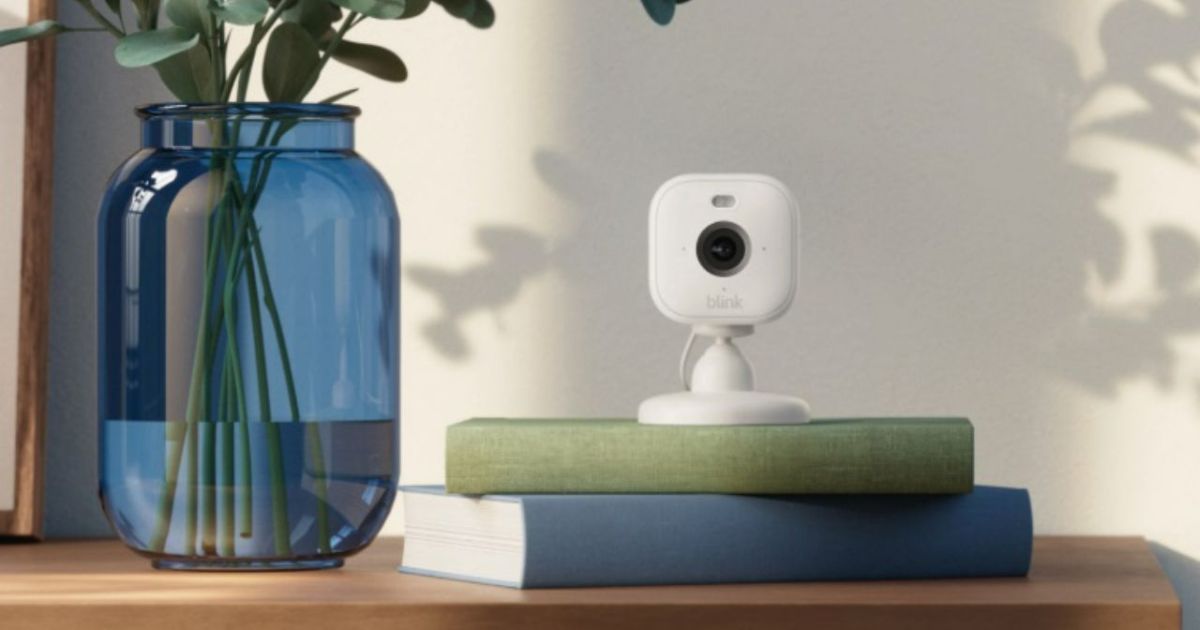
The Blink Mini 2 is a great security camera that won’t break your budget. The tiny device costs just $40, and it’s quickly become a popular security device that competes with products at much higher price points. But while there’s much to love about the Blink Mini 2, the new camera isn’t without a few issues.
Thankfully, fixing the most common Blink Mini 2 problems is usually a simple process that requires just a few minutes of your time. From getting rid of a red LED light to adjusting motion settings, here’s a look at frequently reported Blink Mini 2 issues and what you can do to resolve them.
How to improve Blink Mini 2 video quality
Not impressed with the video quality of the Blink Mini 2? While it can’t film in 4K, it does support 1080p – which should look great on most smartphone displays. Blink gives you three options to modify video quality, with settings for Best, Standard, and Saver. These can be found by selecting the three dots on the device’s thumbnail, then selecting Device Settings. Next, select Video and Photo Settings. Here, you’ll find the Video Quality submenu. Dive into this to choose between Best, Standard, and Saver options.
My Blink Mini 2 has a solid red light
If your Blink Mini 2 has a solid red light, it means your camera cannot connect to your network. This could be due to a few things. The first thing to check is that your internet connection is stable. If it is, consider double-checking if you entered the right password. If that doesn’t work, you may need to move your camera closer to your router, as the signal might be too weak to form a connection.
My Blink Mini 2 has a blinking red light
Though it might look concerning, a blinking red light on the Blink Mini 2 isn’t actually a problem. This indicates the camera is starting up, and you’ll likely only see the flashing red light after plugging the device in or restarting it. Give it a few minutes, and the LED indicator should change to a combination of blue and green – or turn off entirely if it’s already set up and connected to Wi-Fi.
My Blink Mini 2 is too sensitive to motion
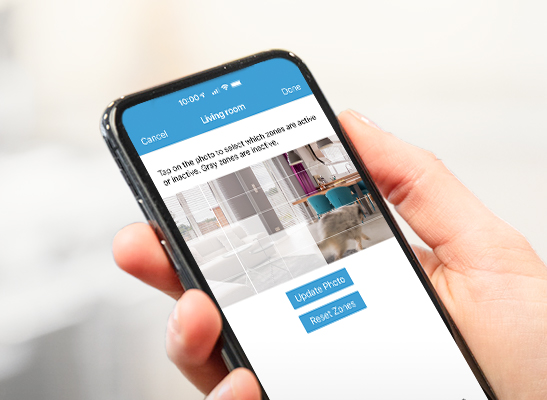
Getting too many alerts from your Blink Mini 2? Then it might be time to dive into its Settings menu and tinker with its motion zones and sensitivity options. To do this, just open the Blink app and find your device. Then, select the More button and find Device Settings. From here, select Motion Settings. On this screen, you can adjust the sensitivity of motion detection for the Blink Mini 2. You can also select the Motion Zones option to create or remove Motion Zones – ensuring only certain parts of your property will trigger alerts.
How can I reset my Blink Mini 2?
If you’re having a lot of trouble with your Blink Mini 2, it might be time to perform a reset. This can be done by plugging in your device, then pressing and holding the reset button (located on the bottom of the camera) for five seconds.
Editors’ Recommendations


