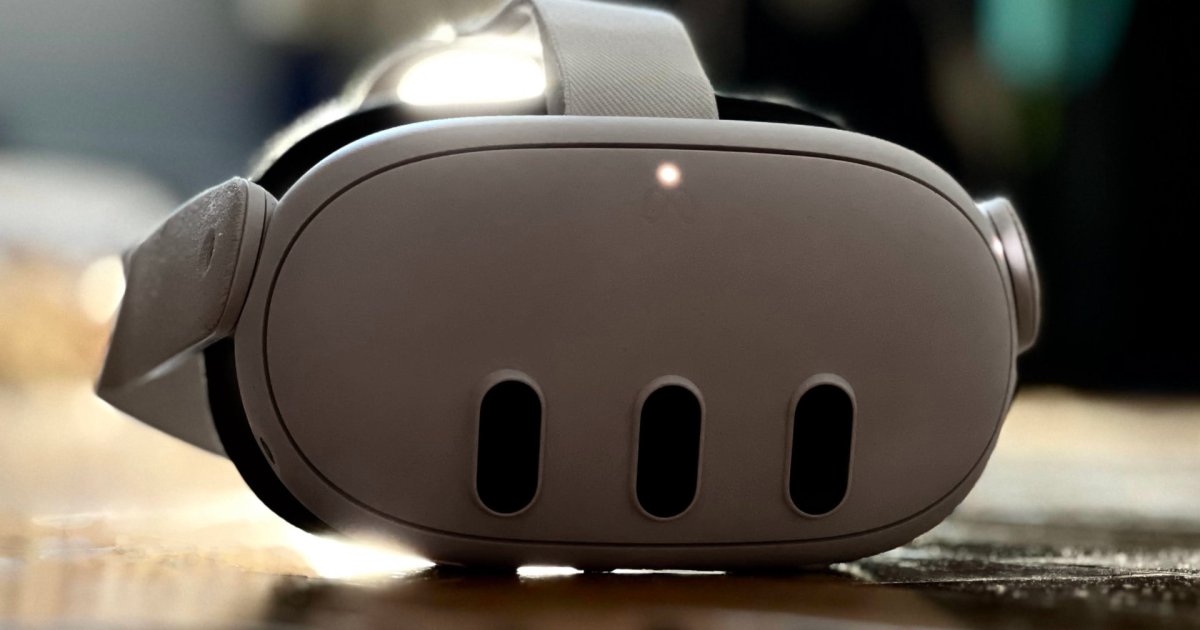
The Quest 3 was already the top pick on our list of the best VR headsets, and now it’s getting what Meta calls its “most requested feature.” The company has launched the Meta Quest HDMI Link app, now available to download in the App Lab.
With the app installed, your Quest can accept input from a UVC or UAC capture card that supports USB 3.0. That’s a small $20 to $30 device that accepts HDMI video and converts it to 1080p, 60-frames-per-second video that streams over USB-C. Meta’s new HDMI Link app works in mixed reality with the Quest 3, Quest Pro, and even the old Quest 2.
Note that this was already possible, but required sideloading an Android phone app, a trick to get around Quest limitations. Meta’s HDMI Link should be a much better experience by comparison. It supports viewing your console, phone, or computer in a movable and resizable virtual screen alongside other 2D apps like the Quest browser, Messenger, and more.
We just dropped Meta Quest HDMI Link on App Lab! Streaming content from an HDMI/DisplayPort supported device (phone, laptop, gaming device, etc) has been a most requested feature and you can now set it up if you have the app installed on your Quest 3, Pro, or 2, plus a… pic.twitter.com/fiXVtvZwY2
— Boz (@boztank) August 15, 2024
A Meta blog post shared more the disclaimer that “capture cards do not display video if the HDMI signal has HDCP protection enabled.” That’s a common problem with XR devices. Thankfully, you can watch most streaming services via the Quest browser.
You can still use Horizon Workrooms and remote desktop apps to connect to your Windows PC or Mac via Wi-Fi or a Quest Link cable, but HDMI link is now a third option. It’s great to have multiple methods of connecting to a device as versatile as a VR headset.
If you have a robust home network, Meta Quest HDMI Link might not be as useful, but it’s worth considering if you suffer from latency when using your computer. Meta Quest Air Link and Quest Link support higher-resolution computer displays than HDMI Link.
The biggest advantage of HDMI Link is connecting devices like gaming consoles, phones, and tablets to your Quest. HDMI Link is a one-way device, only sending output to the Quest. You can’t use your Quest controllers to interact, so keep your console’s controllers and phone handy if you try it.
Meta Quest HDMI Link is free and available now in the Quest app store. Meta considers the app experimental but listed it as an App Lab title that’s still in development.


