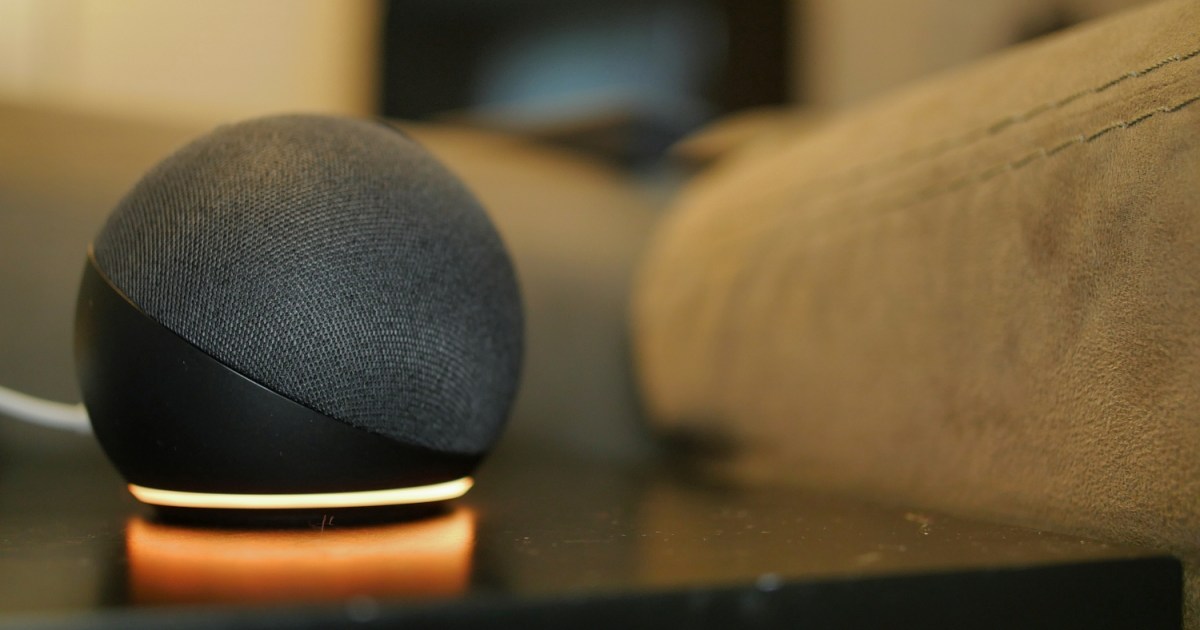
It’s never a good sign when a red light appears on your electronic device. The color almost universally indicates an issue – and seeing it on your Alexa device is no different. A red ring on an Echo or Echo Show makes it nearly impossible to use, with the voice assistant unable to hear your commands (no matter how much you raise your voice).
But unlike the infamous red ring of death found on the old Xbox 360, the Alexa red ring isn’t nearly as ominous. In fact, it’s actually a simple problem to fix, and there’s a good chance you can get your device back into working condition in just a few seconds. From the Echo Show to the Echo Pop, here’s a look at what an Alexa red ring means and how to fix it.
via Reddit/u/Razor512
Why does my Alexa have a red ring?
For many Echo devices, a red ring simply means the microphone has been turned off. The device can no longer pick up voices, including wake words and voice commands, so the Echo will also stop responding when the red light is on. Sometimes this no-microphone mode is enabled on purpose for privacy reasons; other times, it can happen by accident, especially when you move around an Echo device.
Other devices where Alexa is built-in may use similar indicator lights as well, so our steps may work for them, too.
Steps to fix an Alexa or Echo red ring
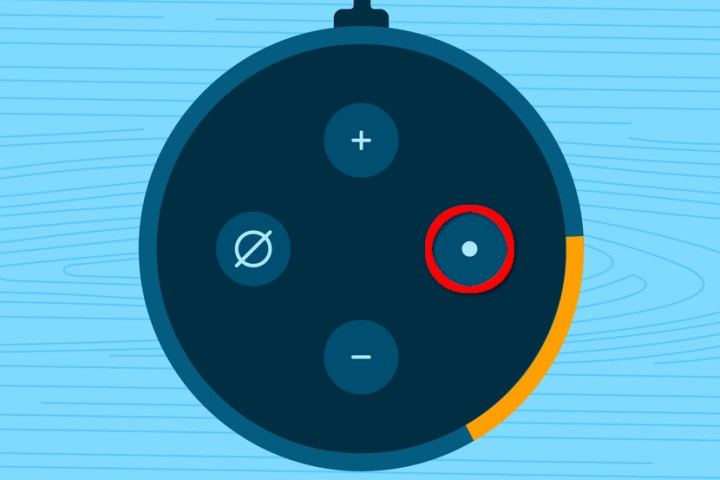
Step 1: Look for the microphone button on your Alexa device. Typically, this looks like a small microphone icon or a circle with a slash through it. The button is usually on the top of your Echo and easy to spot. Press it, and see if the red ring disappears. Confirm that your Echo is working by giving Alexa a brief voice command.
Kevin Parrish/Tech Reader
Step 2: If your Echo is stuck on a red ring no matter how much you press the microphone button, it could be frozen or have a similar problem. Unplug it, wait for several seconds, then plug it back in and let your Echo power back up. Now try to use the microphone button and see if it’s working properly.
Step 3: You can also check your Wi-Fi connection and make sure your Echo is connected to your Wi-Fi network. Sometimes this can cause problems with Alexa responding to commands or Echo settings that won’t turn off. Verify the Echo is in range, and try disconnecting it from your Wi-Fi, then reconnecting it. If this doesn’t work, try resetting your Wi-Fi router and see if that helps fix the problem.
Step 4: Check your Echo for physical damage. A drop or dent could be interfering with the microphone capabilities and automatically switching your mic off occasionally or disabling it permanently. This may also be the result of internal damage, such as getting the top of your Echo wet. There’s not much you can do in the case of physical damage, but if you are not responsible for the defect, then Amazon’s limited warranty may help out.
What about a red light on an Echo Show?

Amazon / Amazon
What about a red light on an Echo Pop?
Editors’ Recommendations


