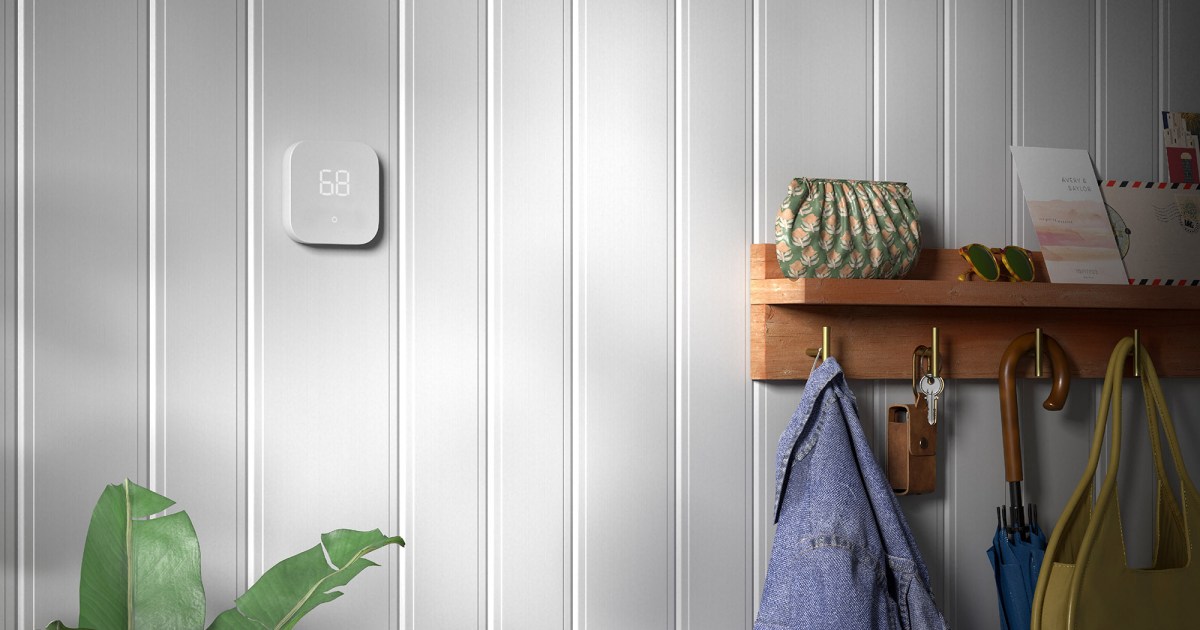
The Amazon Smart Thermostat gets you a lot of cool features without breaking your budget, though it’s not without a few issues. Like all electronics, it’s bound to encounter a few hiccups throughout its lifetime — and a common issue among users is a blank display. But why does the Amazon Smart Thermostat’s display go blank, and what can you do to fix it?
Here’s a quick look at why the issue may arise and how you can quickly get your smart thermostat back to normal.
Reasons why your Amazon Smart Thermostat display is blank
There are a variety of reasons why your Amazon Smart Thermostat display may go blank. Some are cause for concern, while others are a part of its normal operation. For example, if the unit isn’t being operated, it will eventually go blank and enter an inactive state. The unit is still working properly and following all your directions, but the display will go blank from a lack of input. If you want to see the screen again, simply tap the display, and all your details should pop back up.
If tapping the display doesn’t turn the screen back on, then there’s a deeper issue at hand. It’s possible the brightness for your thermostat was turned down — dive into the Alexa app and check your device settings to see if that’s the case.
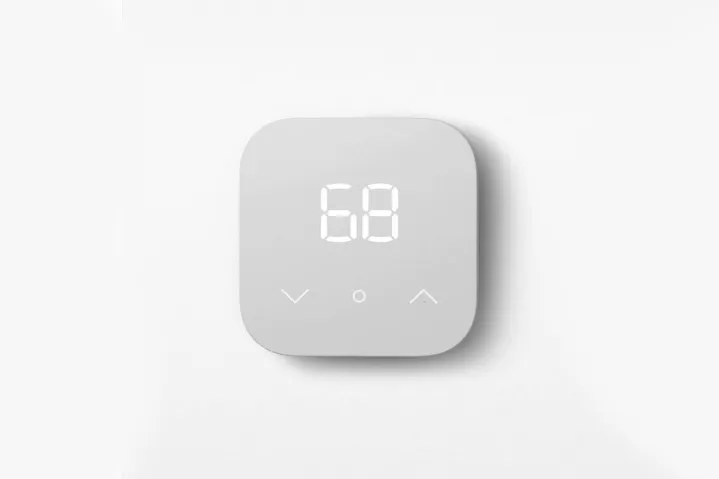
The biggest issue responsible for a blank Amazon Smart Thermostat display is faulty wiring. This often happens if the C-wire isn’t properly connected, or if the C-wire adapter is improperly installed. If you’re going through the installation steps for the first time and run into a blank display, consider retracing your steps and attempting a reinstall.
Additionally, a power outage or blown fuse can result in a blank display. Be sure to check your fuse box and contact the local utility company to see if there’s an outage in your area. As you’d expect, a smart thermostat with no power running to it won’t be able to load its display.
If you’ve checked all these common causes and still can’t find a culprit, consider contacting Amazon Customer Service or employing an electrician to get to the bottom of the issue. Contacting an electrician is a particularly wise decision if you think the issue is related to the C-wire adapter, as the installation process can be tricky for DIY novices. Be sure to check this connection thoroughly and reach out to a professional if help is needed.
Thankfully, this issue is usually one that’s quick to fix. In fact, there’s a good chance there’s nothing you need to fix at all. The Amazon Smart Thermostat display frequently goes blank as part of its normal operating procedure. If you have any questions about its brightness or other customization options, be sure to check out the device’s settings in its companion Alexa app.


